New to Podium
AI Receptionist
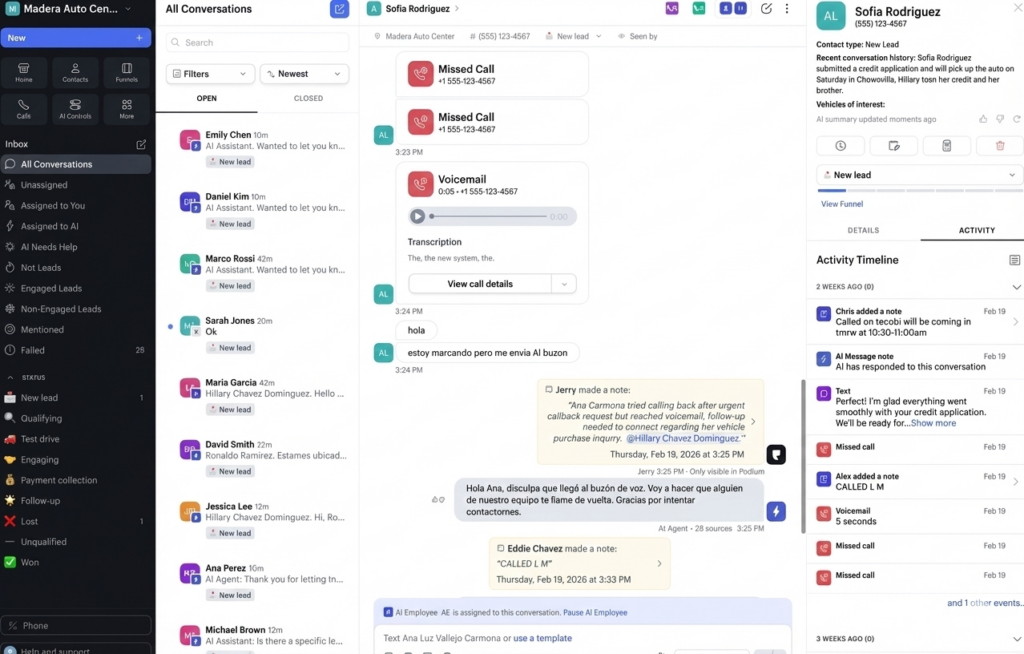
Jerry now handles and forwards incoming calls; answering questions, collecting info, and booking appointments even after hours. The receptionist even redirects the call to the right person or department if needed. You no longer miss revenue because the phone went unanswered.
AI Missed Call Response
Every missed call gets an automatic text follow-up from Jerry with historical context, instead of a canned response. Customers stay engaged; you don’t lose leads to a busy signal or unanswered phone.
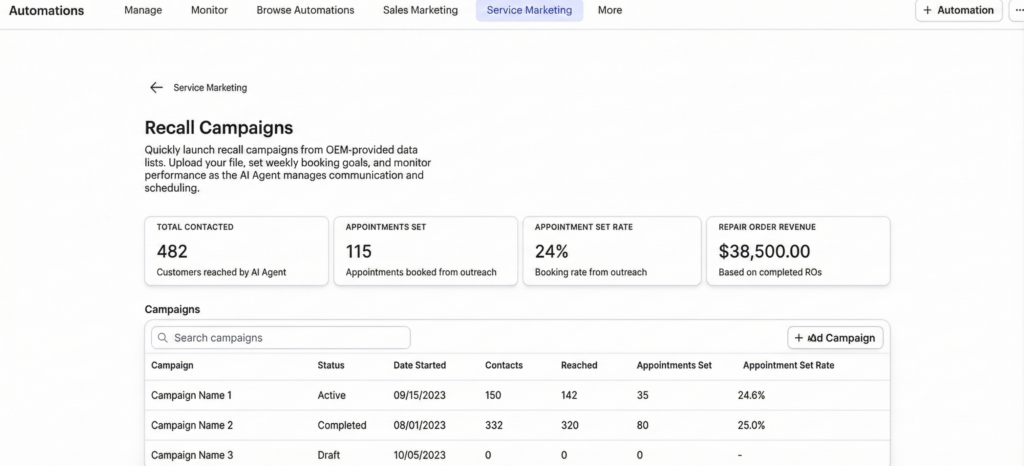
Service AI Recall Campaigns (Auto)
Auto dealers can now run AI-driven recall outreach campaigns. Jerry identifies customers with open recalls and sends personalized messages to bring them in — turning recall notices into booked service appointments.
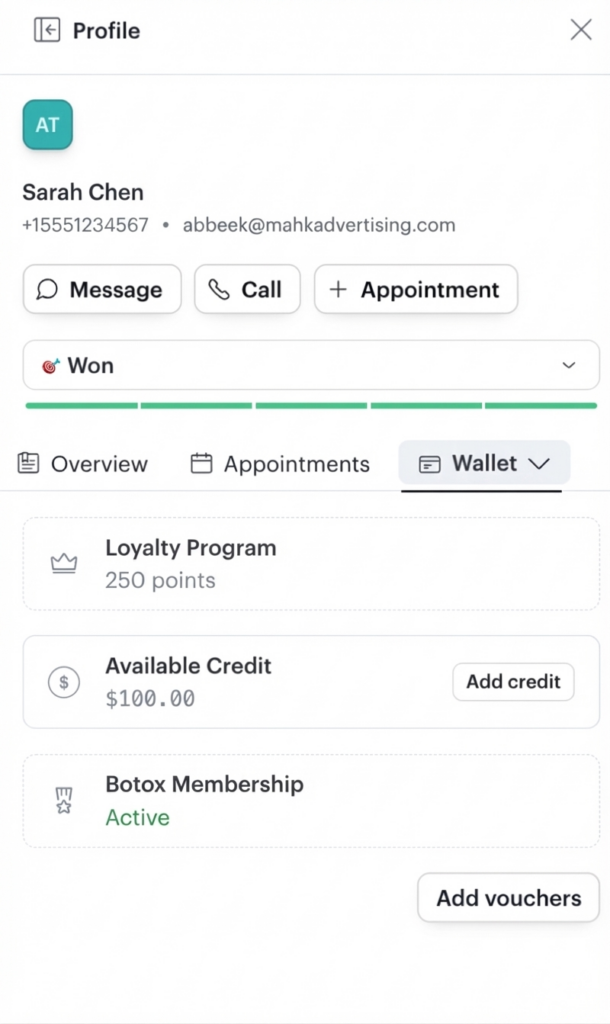
Contact Wallet
Customer payment information is securely stored in Podium for reuse across future transactions. Repeat payments, deposits, and service fees become one-tap — no re-entry required.
iPad Kiosk — Digital Intake Forms
Businesses can collect intake information digitally at check-in using a Podium-powered iPad kiosk. Forms are completed on-site and flow directly into the team’s workflow.
Manual Forms
Staff can create and send custom forms to any contact on demand — consent forms, surveys, questionnaires — without needing pre-built automations.
Third-Party Service Lead Intake (Auto)
Service leads from OEM connected-car platforms (OnStar, FordPass, etc.), online scheduling tools (Xtime), and dealer website forms can now route into Podium automatically. Jerry handles each lead and drives toward a booked appointment.
Product Updates
Time Clocks
Employees can clock in and out directly in Podium. Hours are logged per staff member to support payroll and shift management.
Service Time Editing
Teams can adjust appointment durations on the fly to reflect real service times and prevent calendar overbooking.
No-Show Management
Flag no-shows in Podium and trigger automatic re-engagement to get patients or customers back on the schedule.
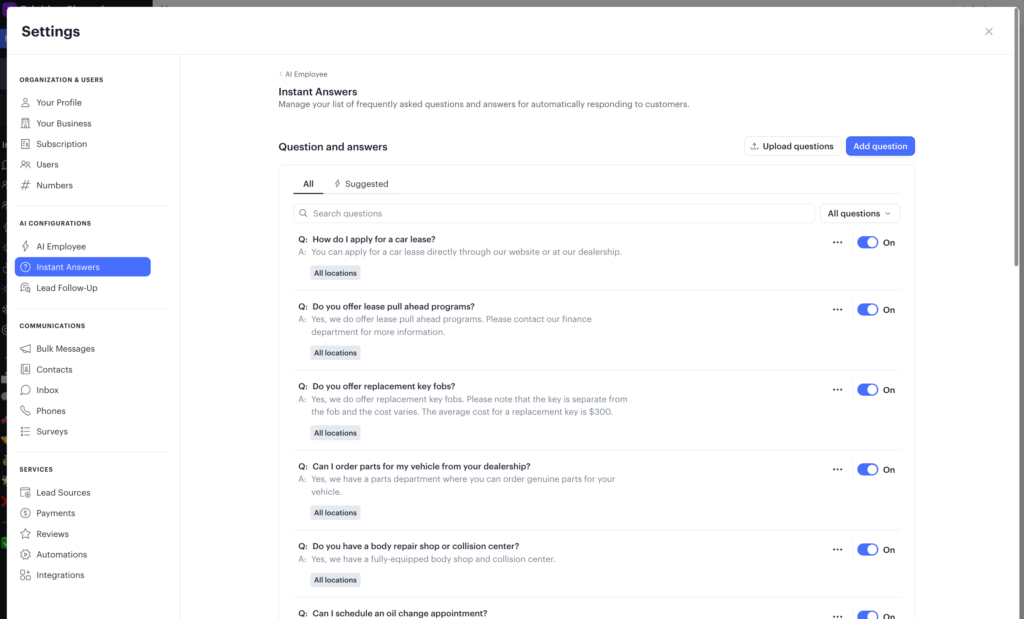
Org FAQ for Voice
Businesses can configure a custom FAQ that Jerry uses to answer recurring questions on every call — consistently and without staff involvement.
Call Conversation Rules
Configure how Jerry handles calls: escalation triggers, after-hours behavior, and data collection before handoff. Full control over the inbound call experience.
Service Marketing Automations — Toggle Fix (Auto)
A bug preventing automation triggers from being included when enabling service marketing automations has been resolved. Full activation now works correctly from the Automations page.
Phones Seat Management
Admins can now manage Phones product access per team member directly in account settings.
Coming Soon
Tasks
Soon Jerry will be able to assign to-do’s from his conversions to your human employees. So when a customer is coming in, you are fully prepared to make it a great interaction.